
Gurudeva App Released Today for Android and iOS
November 21, 2015After several months of hard work we are happy to finally release this year's Gurudeva Mahasamadhi gift. For 2015 we decided to make a digital offering to keep alive the presence of our beloved Satguru Sivaya Subramuniyaswami in our daily lives. Through the years, the top of TAKA with changing images of and quotes from Gurudeva has continuously received Five Star ratings for inspiration. Though the selection is based on a random algorithm, many have given testimony on how the quote seemed to speak directly to them and issues they were facing.
Gurudeva.app takes this paradigm to new level with over 270 images of Gurudeva and more than 2,500 quotes. You may view quotes and images chosen at random, share the quotes and app link by email ( and later, on Twitter and Facebook) and read the quotes in different categories. In addition, eight audio files have been included in the app and can be listened to even if you are not connected to the internet. If you do have an internet connection, a "Surprise Me" link will stream a randomly selected audio file from our web server.
Go to this page to download the app for your Android or iOS device:
http://www.himalayanacademy.com/apps/gurudeva
The monks designed and built this app from the ground up and when a fully functional prototype was completed we hired an expert to help bring the final touches to the code, especially for the Android version. If you have any issues with the app, please use the feedback you will find on the help screen inside the app itself. We want to thank our Digital Dharma donors whose donations helped make this possible. And, please, share the app with your friends, spread the word. When you are looking at a picture and quote, click the share icon and email will be invoked with the quote and a link to the app. (Twitter coming next and then Facebook later). Spread the word! Perhaps it will go viral and 1000's will get to have the blessings too!

When the app opens a picture of gurudeva appears, scaled to fill the center of the screen. A quote is shown below.

You can tap on the image, the quote will be hidden and the full image is shown.
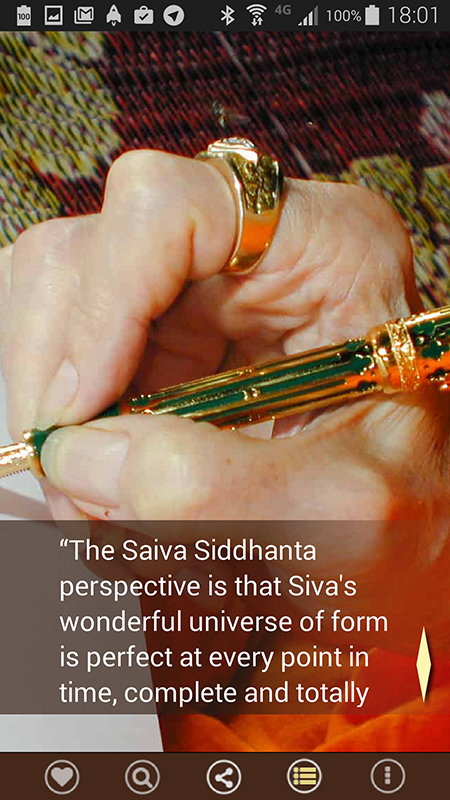
To go to another quote, click on the right site of the quote area. To see your past ten quotes (history) click on the left side of the quote.
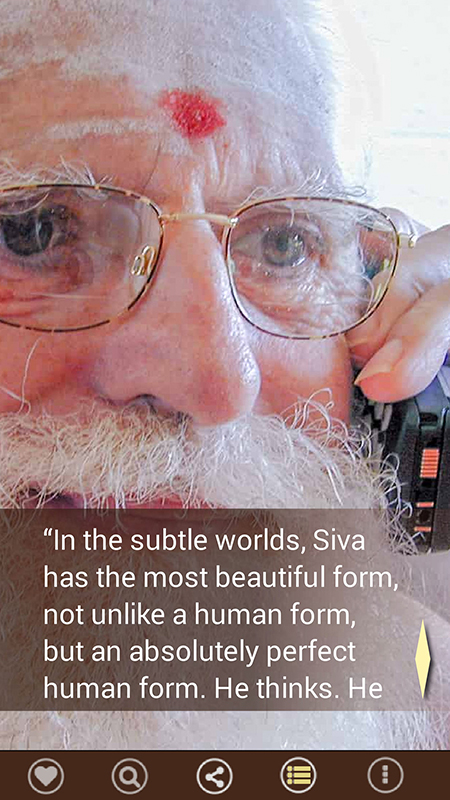
Some quotes are longer than fit in the frame... use your thumb to scroll up. If you tap twice on the quote it will also take you to a new one.

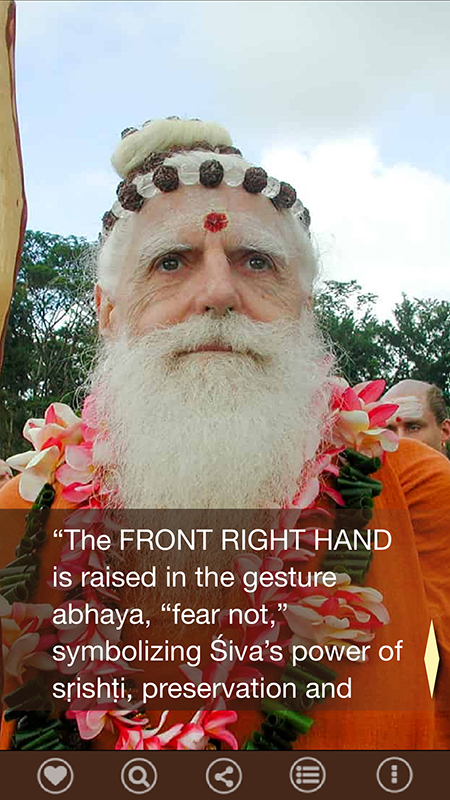
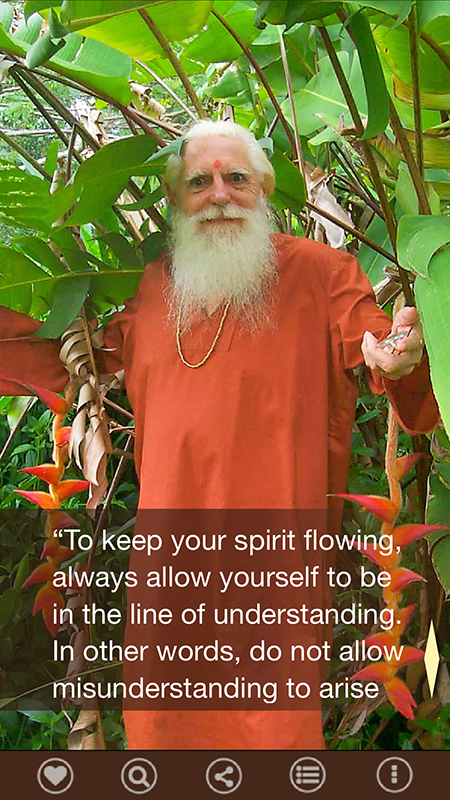
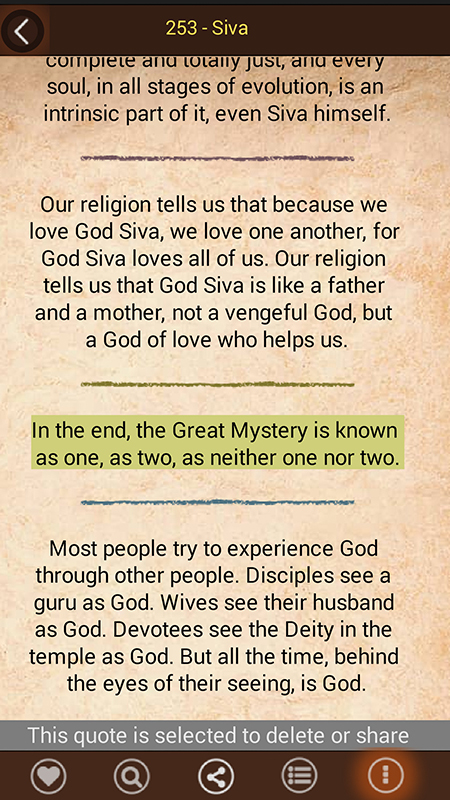
You may choose to read quotes in different categories, add them to your favorites for contemplation later or share with a friend.
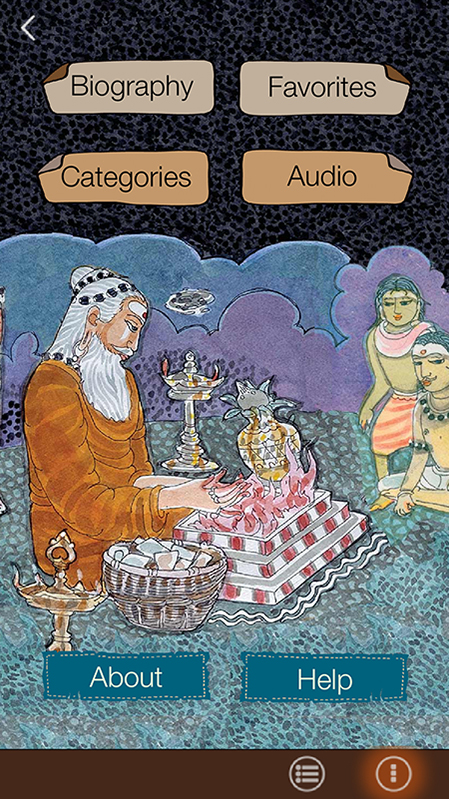
From the \"Other Options\" screen, read Gurudeva\
s biography your favorites, choose quotes to read, to go the audio screen, read about the app and click Help to learn how everything works and send us feedback,.'
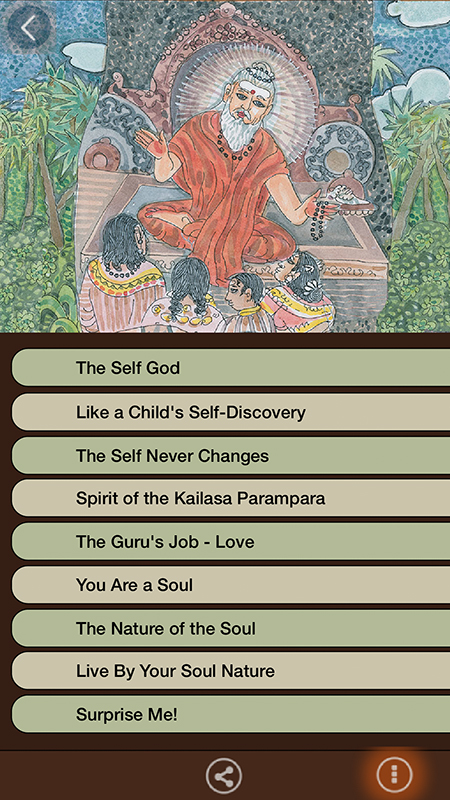
From the the audio screen you can listen to one of eight discourses or listen to one from our web server (chosen randomly) A stop button will show next to the audio link on the left .
}
];
height: 700,
width: 394,
transitionSpeed:150});